Hashing
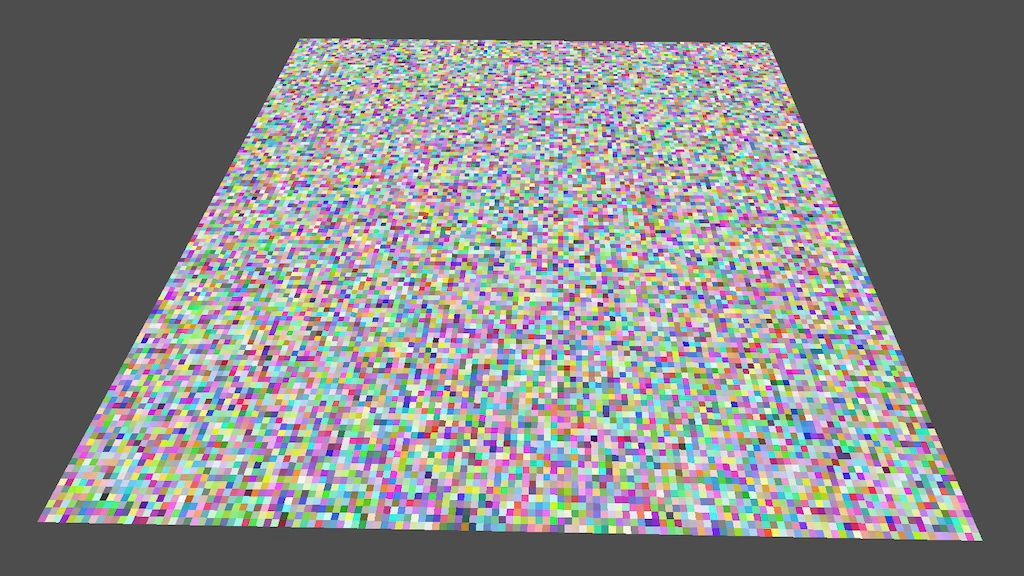
This is the fourth Godot tutorial in a series that covers the creation of procedural patterns on the GPU with shaders, using the Godot Engine, version 4.7. It follows Fractal Waves and introduces hashing to generate pseudorandom patterns.
Hashing Scene
Up to this point we have used sine waves to produce patterns. These patterns are regular and have no variety. To introduce variety into patterns we have to somehow add randomness to them. However, we cannot use true randomness because that would produce non-reproducible and unstable results. The solution is to generate pseudorandom values, which appear random enough although they are actually fully deterministic.
Because we are generating spatial patterns based on coordinates we have to come up with pseudorandom values for those coordinates in isolation. So we'll have to convert coordinates directly to pseudorandom values. This is done by applying a hashing algorithm, which takes some input data and calculates a small hash value for it. Thus it maps a large domain to a smaller one, ideally in such a way that there is no discernible pattern. We're going to create such a hashing algorithm. Once we have it we'll use it as the foundation to create pseudorandom noise patterns in the future.
New Scene
We are finished with the sine waves, so let's group their resources and move the scenes and the shader into a new sine_waves
folder. Then create a hashing
folder and put a hashing.tscn
in it, which is a duplicate of sine_waves_plane.tscn
. Replace the old material of the plane with a new one and give it a new hashing.gdshader
.
The hashing only depends on the UV coordinates, so we only need a fragment() function. Give it a configuration variable for the frequency, which is a single float this time because we'll only work with a plane. Use the frequency to scale the UV to get the coordinates that we'll used to create a float hash value. We'll start with directing using the scaled X coordinate as the hash. Use the hash to set ALBEDO to a grayscale color.
shader_type spatial;

uniform float frequency = 1.0;

void fragment() {
	vec2 coordinates = frequency * UV;
	float hash = coordinates.x;
	ALBEDO = vec3(hash);
}
Because we want our hash algorithm to work with both positive and negative coordinates let's shift our coordinates so (0,0) is at the center of the plane, by subtracting 0.5 from the UV before scaling them.
vec2 coordinates = frequency * (UV - 0.5);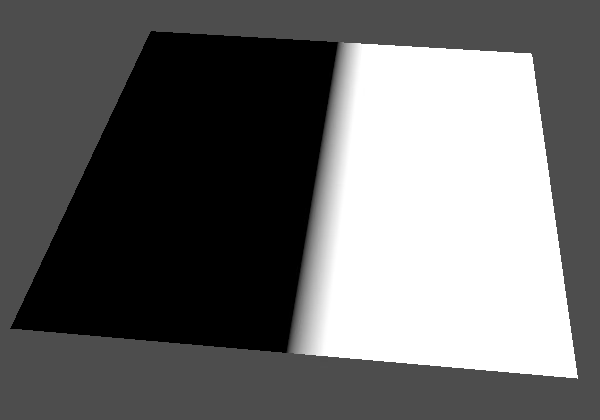
The left side of our plane is black due to the negative values, which shows that the coordinate domain is properly centered on the plane.
Working with Bits
Hashing works on raw data, it doesn't care about the meaning of that data, it's just sequences of bits. The rawest data type that we can use to match this is the unsigned integer, which is uint. Change the hash variable to that type and convert the coordinate to it as well.
uint hash = uint(coordinates.x);But we need a float value to set the albedo, so introduce a variable for it and set it to the hash converted back to float.
	uint hash = uint(coordinates.x);
	float value = float(hash);
	ALBEDO = vec3(value);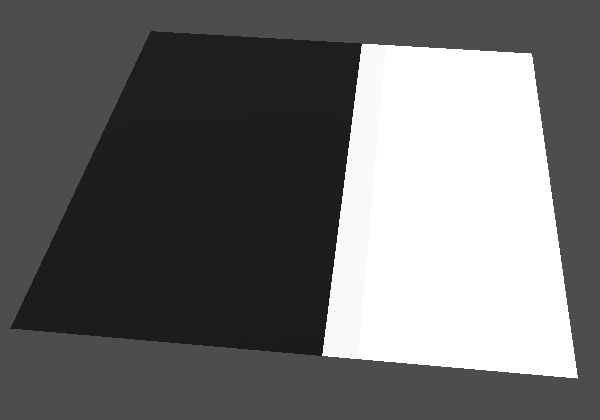
These conversions have removed the gradient that existed where U is between 0 and 1. Converting to an unsigned integer clamped all negative values to zero, which makes no visual difference. All positive coordinates got rounded down. We can see a slight difference between the hash value of 1 and greater values, because the latter ones are overbright.
Isolating Bits
Because we can only see values between 0 and 1 we have to limit our value to that somehow. As we're working with the bits of a hash we can simply extract only a single bit from it. This effectively maps the coordinate to a single bit, which gives us a value that is always either 0 or 1.
The simplest bit to extract is the least significant one, which represents the values 0 and 1 of uint. We get it by filtering the hash with a bit mask, performing a boolean AND operation &, with a value that has the bits that we want set to 1 and everything else to 0. We simply want the first bit, so that mask is 1.
	uint hash = uint(coordinates.x);
	hash = hash & 1;
	float value = float(hash);
This will produce an error, because we have to explicitly perform the operation on two unsigned integers, while integers are signed by default. To indicate that our 1 is unsigned we have to give it the u suffix.
hash = hash & 1u;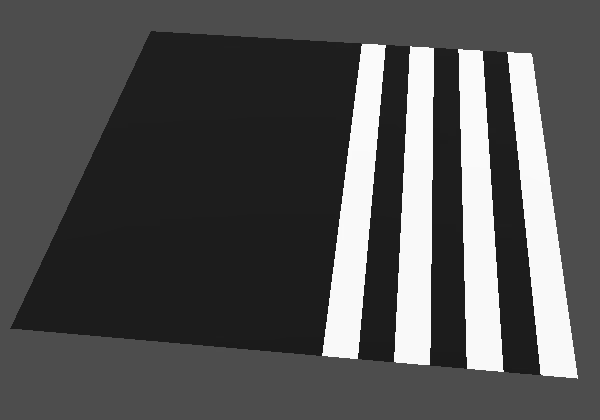
We can shorten this by using the &= operator.
hash &= 1u;This produces alternating 0 and 1 values on the positive side, with 0 for even and 1 for odd coordinates. This happens because the integers are binary. Decimal 0, 1, 2, 3, 4 when converted to binary becomes 0, 1, 10, 11, 100, which get hashed to 0, 1, 0, 1, 0, because we only keep the least significant binary digit.
Float Bits
Instead of converting from float to uint we could also directly use the bits of the float for our hash. The floatBitsToUint() function allows us to directly treat a float as an uint, without any conversion taking place. So this doesn't represent a GPU instruction but a compiler hint to sidestep the type system.
uint hash = floatBitsToUint(coordinates.x);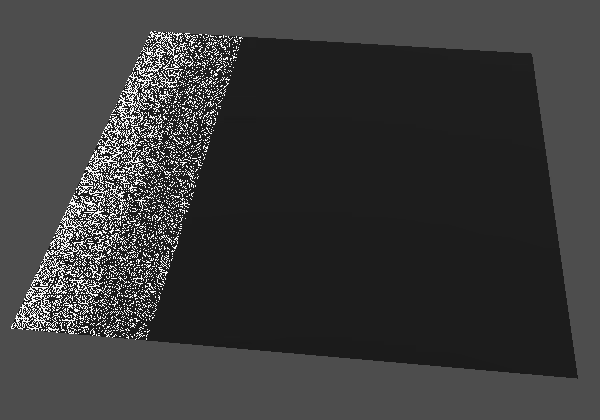
What we get from this isn't usable, because we're now extracting the least significant bit from a raw float value, which is structured different than a uint. To make it less arbitrary we'll round the coordinates down via the floor() function so we're only working with whole numbers.
vec2 coordinates = floor(frequency * (UV - 0.5));
We now get zero everywhere, which makes sense because we eliminated the fractional part of the coordinates. At least, the fractional part of their decimal representation, but this also clears the least-significant bit for the binary float representation.
To see something again let's directly reinterpret the hash as a float, via the uintBitsToFloat() function. If we also use entire hash instead of only the least significant bit we simply end up with the floored coordinate.
	//hash = hash & 1;
	float value = uintBitsToFloat(hash);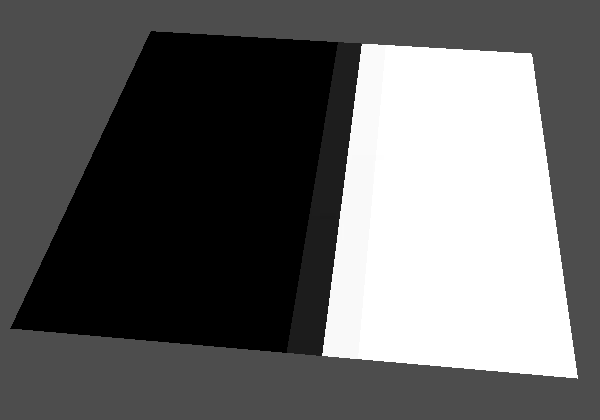
And if we again convert from uint to float we're effectively treating the coordinate as a uint even through it is a float.
float value = float(hash);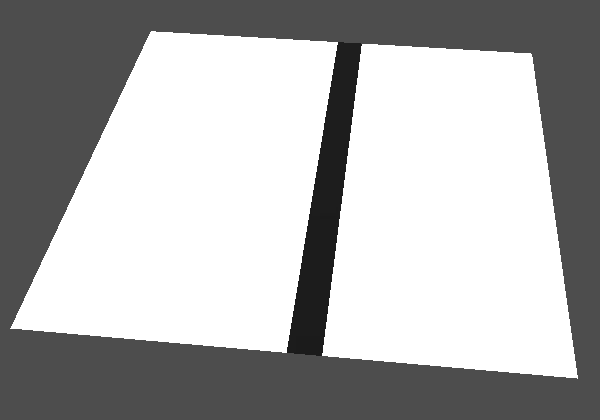
What we see now is that the raw bits of a float reinterpreted as a uint represent large values, even for negative values, except for zero, which is just zero.
IEEE 754
Working directly with the bits of a float is tricky because they are used to encode a floating-point value. This means that it is using scientific notation for numbers. Let's consider the normalized scientific notation for decimals first: numbers are written like ±m×10±n, where m is the mantissa and n is the exponent. Normalized means that m is at least 1 and less than 10. The mantissa has a fixed number of digits, which determines the precision. The exponent determines the magnitude of the number and thus where the floating point ends up. Note that the normalized notation cannot represent zero, but all bits can simply be set to 0 for that special case.
For example, consider a mantissa with only one digit. Then 3 is written as 3×100, 30 is written as 3×101, 300 is written as 3×10², 0.3 is written as 3×10⁻¹, and so on. With one digit only ten values can be represented per magnitude. So the larger a value is the less precision it has. 320 cannot be represented, 3×10² is the closest that we can get. If the mantissa had two bits then 3.2×10² is a perfect match, but 321 could still not be represented, and so on.
The scientific notation works similar for binary numbers, but with base 2 instead of base 10. So we're working with numbers of the form ±m×2±n. Again using the normalized notation, the first digit of the mantissa is always 1, it goes from 1.000… to 1.111….
To fit base-2 normalized scientific notation in a float we have to assign meaning to its 32 bits. The standard used for that is IEEE 754. Its most significant bit is used for the sign (S) of the number, followed by eight bits for the exponent (N), and its least 23 bits are used for the mantissa (M). Because the most significant mantissa bit is always 1 it is implicit and not included in the actual bits. So the bit pattern looks like this, underscores added for readability to partition it in blocks of four bits:
SNNN_NNNN_NMMM_MMMM_MMMM_MMMM_MMMM_MMMM
There are some special bit patters as well, to represent zero and invalid numbers. There is also a standard to deal with the underflow gap, which is a gap between the smallest possible values and zero, but it is not widely supported and not relevant for us.
Do all GPUs use IEEE 754 for float?
This is the case for all desktop-class GPUs, but mobile GPUs could end up using number formats with fewer bits, especially older GPUs. For the sake of simplicity we ignore these special cases. Everything we do could be converted to those formats as well, if needed.
Showing Float Bits
Now that we know the format of a float let's visualize it in a more meaningful way. The sign bit is the simplest to extract. We get it by shifting the entire bit pattern 31 step to the right, so it becomes the least significant bit. We do that with the right-shift operator >>. Its second operand indicates how many bits to shift, which must also be a uint. Shifting a uint this way fills the bits that are now empty with zero, so we do not have to mask it to only get the least-singificant bit.
	uint hash = floatBitsToUint(coordinates.x);
	hash = hash >> 31u;
	float value = float(hash);
We can also use the >>= shorthand here.
hash >>= 31u;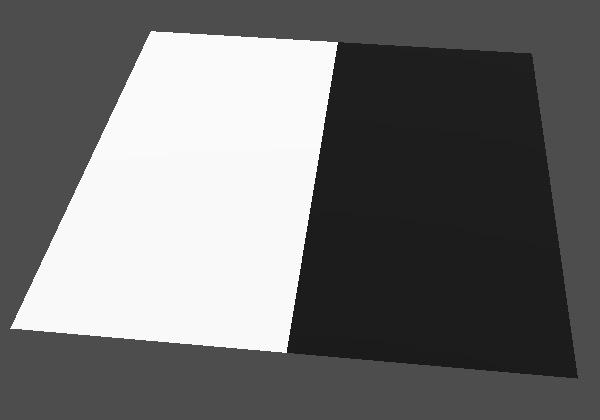
We now see the sign bit, which is 1 for negative values and 0 otherwise. Next, let's show the least significant bits of the exponent, by shifting right 23 bits. In this case we do have to mask the least significant bit again, to get rid of the rest of the exponent and the sign bit.
	hash >>= 23u;
	hash &= 1u;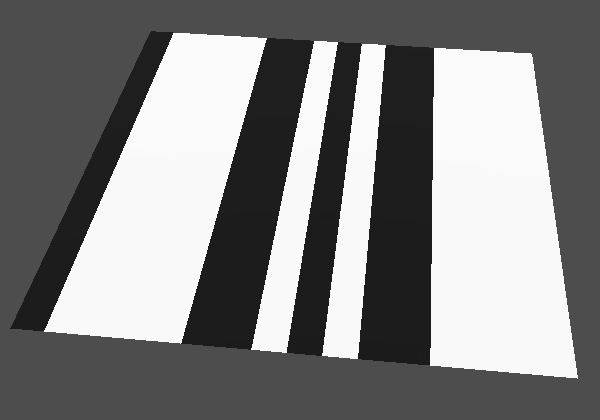
By changing how much we shift we can visualize each bit in isolation. We can also display the entire bit pattern of the float by shifting based on the raw V coordinate multiplied by 32 and then floored.
hash >>= uint(floor(UV.y * 32.0));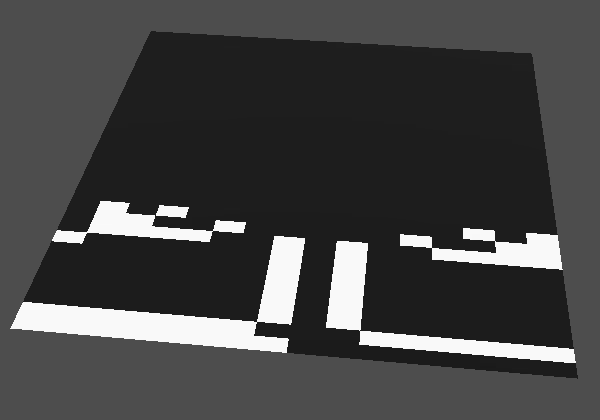
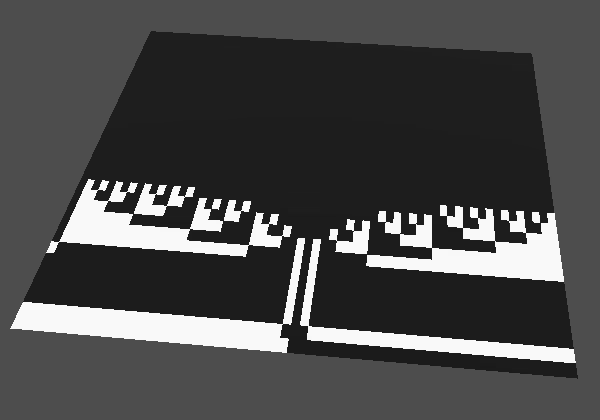
We now see the bit patterns for the first few integers around zero, as float values. The sign bit is obvious. The exponent appears weird at first glance, because IEEE 754 uses an exponent bias of 127 instead of giving it its own sign bit. This means that 127 (binary 1000_0000) must be subtracted from it to get the actual exponent. At frequency 16 up to two bits of the mantissa are used. At frequency 64 up to five mantissa bits are used.
If we hadn't floored the coordinates a lot more mantissa bits would be activate.
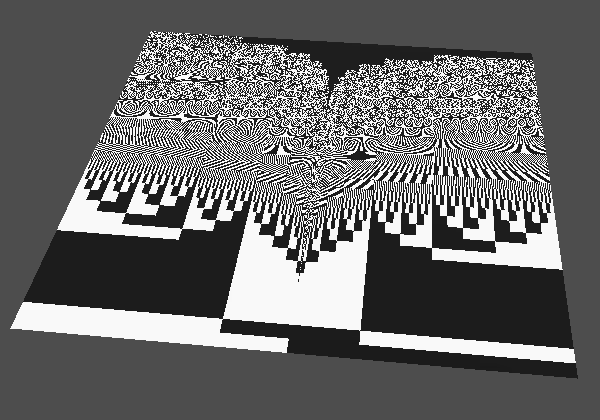
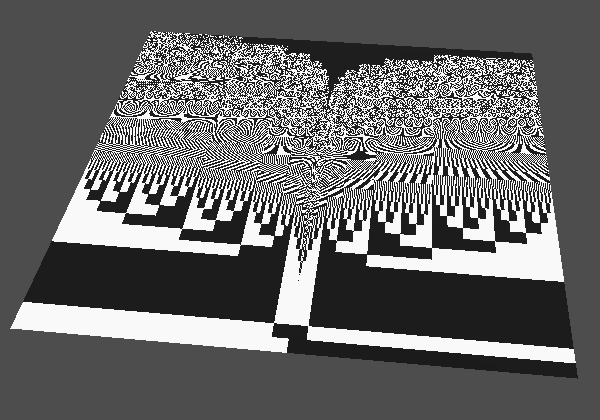
Knowing what the bit patterns look like is useful because what we ultimately want is to hash those patterns to get useful pseudorandom patterns. While we could convert to int, using the floored float values works just as well because the resulting bit patterns are similar, so we can avoid the extra conversion step.
Hashing
Moving on to the hashing itself, let's isolate our hashing algorithm by introducing a Hasher struct type. It contains the bits used to create the hash value.
struct Hasher {
	uint bits;
};

void fragment() { … }
The hasher holds the intermediate state of the hash while we're creating it. Let's add a hasher() function that returns a hasher with its bits set to zero.
struct Hasher {
	uint bits;
};

Hasher hasher() {
	return Hasher(0u);
}
Next, we introduce another hasher() function that takes an existing hasher and a float as input. It feeds the value to the hasher and returns it, which is a new hasher because arguments are passed by value. We start by simply adding the bit pattern of the float to the existing bits.
Hasher new_hasher() {
	return Hasher(0u);
}

Hasher hasher(Hasher h, float f) {
	h.bits += floatBitsToUint(f);
	return h;
}
Finally, we add a hash() function that produces the final hash for a given hasher. For now we simply return its bits directly.
Hasher hasher(Hasher h, float f) {
	h.bits += floatBitsToUint(f);
	return h;
}

uint hash(Hasher h) {
	return h.bits;
}
Adjust fragment() so it works with the hasher, still producing the same results as before.
void fragment() {
	vec2 coordinates = floor(frequency * (UV - 0.5));
	Hasher h = hasher();
	h = hasher(h, coordinates.x);
	uint hash = hash(h);
	…
}
Now we're going to mess with the bits so the patterns become unrecognizable and the result will appear random. There are many ways to do this and there are trade-offs to be made concerning quality and speed. We'll implement a simplified version of the 32-bit xxHash algorithm, which produces good hashes when fed a few float values.
Seeding
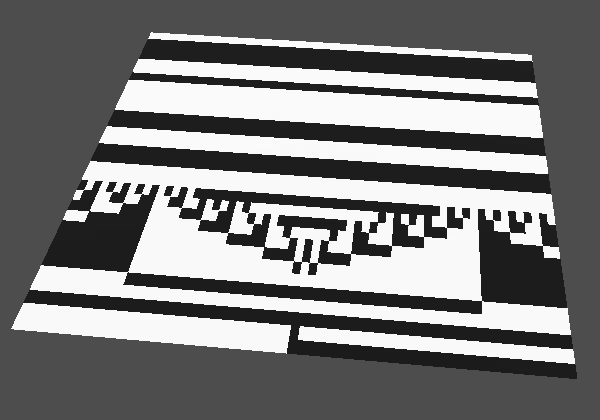
We start by seeding the hasher, which means that we start it with a value other than zero. This bit pattern interferes with what we feed into it later via unsigned integer addition, so more bits get activated even when very few are active for the value that we feed into it, even zero. The value that we use is 374761393. This and other values that we'll use have been empirically picked for xxHash, so we copy them verbatim.
Hasher hasher() {
	return Hasher(374761393u);
}
Shuffling Bits
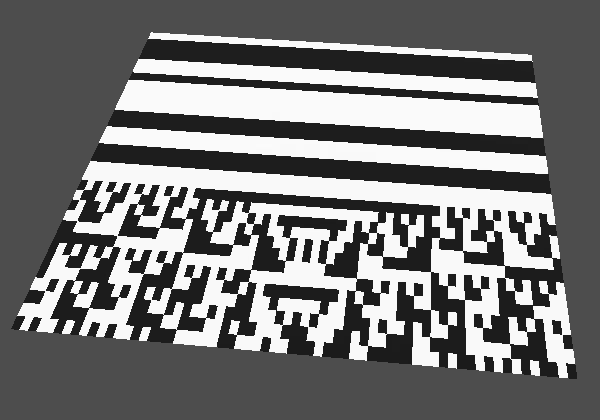
The xxHash algorithm doesn't just add values to the existing bits, it then mixes things up. First, before adding the value it is multiplied with 3266489917. Besides changing the pattern this effectively spreads out the influence of the bits to more significant bits.
Hasher hasher(Hasher h, float f) {
	h.bits += floatBitsToUint(f) * 3266489917u;
	return h;
}
Then the bits are rotated 17 steps to the left. Rotation means that bits that would be lost due to the shift are instead inserted from the other side. There is no operator for this, even though GPUs typically do have a single instruction for rotation, so we have to write it in two steps, which the shader compiler will convert to a single rotation. We shift 17 bits to the left.
	h.bits += floatBitsToUint(f) * 3266489917u;
	h.bits = (h.bits << 17u);
And at the same time we also shift 32 minus 17 bits to the right.
h.bits = (h.bits << 17u) | (h.bits >> 32u - 17u);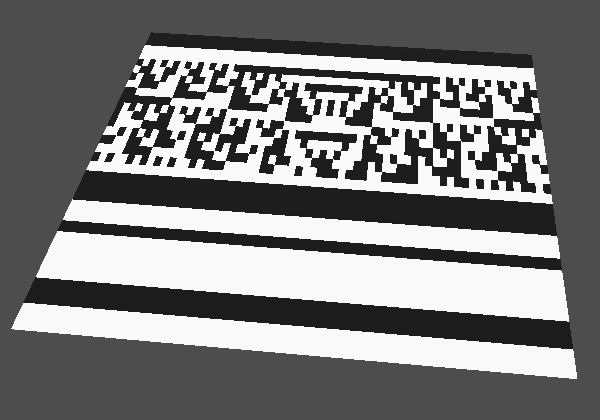
After this we again multiply the pattern with a constant value, this time 668265263.
	h.bits = (h.bits << 17u) | (h.bits >> 32u - 17u);
	h.bits *= 668265263u;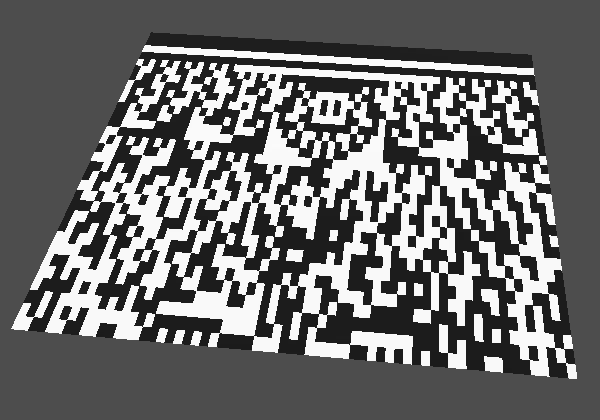
We're getting a better pattern, but are not yet finished. This is the point where additional values could be fed to the hasher.
Avalanche
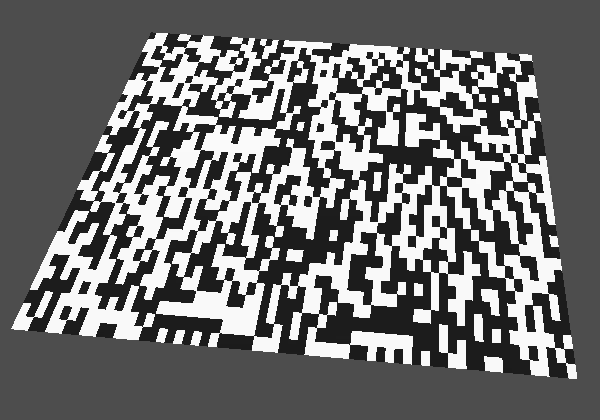
A desirable property of a hashing function is that a minuscule change to its input should produce a radically different output. This is known as the avalanche effect, referring to how a tiny shock could trigger a landslide. We accomplish this by throughly mixing the bits again when extracting final hash, which is done in hash().
The first step is to XOR the bits with themselves shifted 15 step to the right. XOR is the binary exclusive OR operation ^ or ^=. Each bit is set to 1 if exactly one of its corresponding operand bits is 1, otherwise it is set to 0.
uint hash(Hasher h) {
	h.bits ^= h.bits >> 15u;
	return h.bits;
}
Then we multiply that by 2246822519.
	h.bits ^= h.bits >> 15u;
	h.bits *= 2246822519u;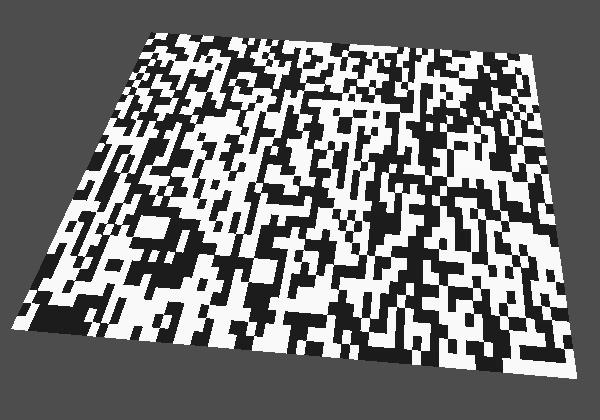
Then we do it again, XOR with the bits shifted 13 step to the right this time, then multiply by 3266489917. We finish with a final XOR with the bits shifted 16 step to the right.
	h.bits ^= h.bits >> 15u;
	h.bits *= 2246822519u;
	h.bits ^= h.bits >> 13u;
	h.bits *= 3266489917u;
	h.bits ^= h.bits >> 16u;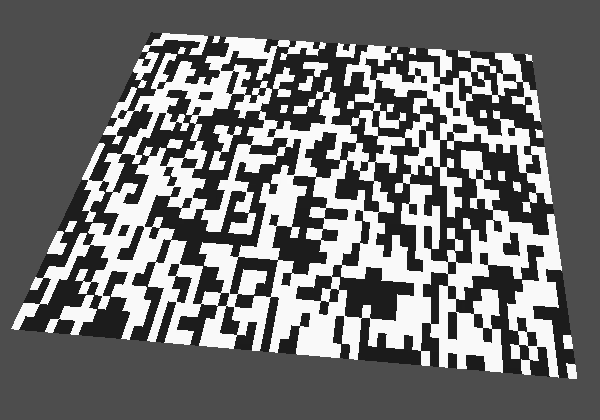
Hashing Both U and V
So far we've only hashed the U coordinate, but our goal is to hash both UV coordinates. To do that we can no longer use V to show all the bits of the hash, so revert back to only showing the least significant bit in fragment().
	uint hash = hash(h);
	//hash >>= uint(floor(UV.y * 32.0));
	hash &= 1u;

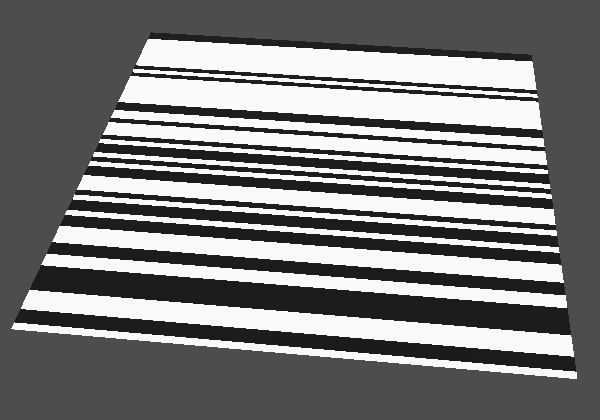
We include the V coordinate by feeding it to the hasher after feeding it U.
	h = hasher(h, coordinates.x);
	h = hasher(h, coordinates.y);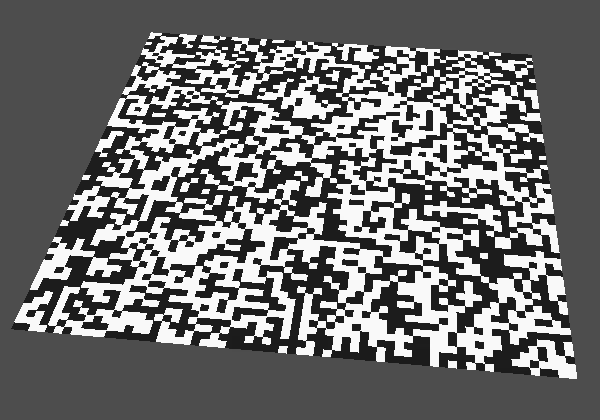
Configurable Seed
We complete our implementation of xxHash by adding a configurable seed to it, so we can change the hashes it generates. Add a uniform uint hash_seed shader variable for this, set to 0 by default.
uniform vec2 frequency = vec2(1.0);
uniform uint hash_seed = 0u;
Add a parameter for the seed to the hasher() function that creates a new hasher. We keep the existing constant seed value and add it to the configurable seed, so typical simple seed values like 0, 123, and 42 still give good results.
Hasher hasher(uint seed) {
	return Hasher(seed + 374761393u);
}
Pass the seed variable to it in fragment().
Hasher h = hasher(hash_seed);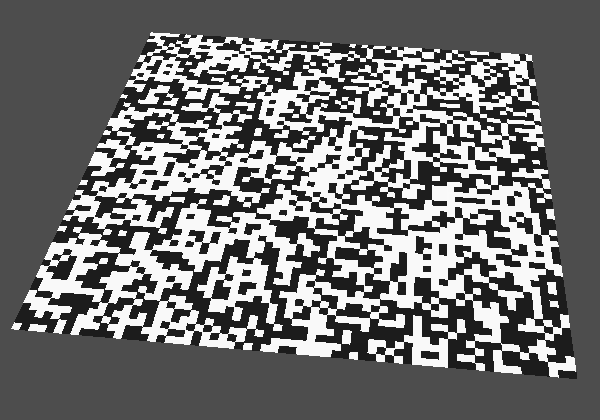
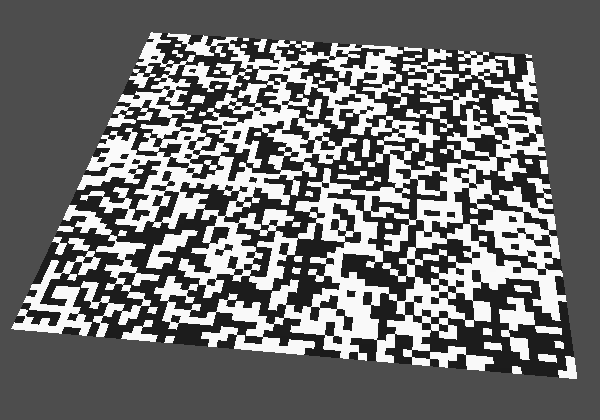
From Hash To Float
We only use a single bit of our hash for the final pattern, which produces only binary results, either 0 or 1. Ideally we produces values that uniformly cover the entire 0–1 range. We can improve this by using more bits. Let's introduce a hash_to_float() function that takes a uint hash and converts it to a usable float value. Initially it does what we're already doing, just taking the least significant bit and converting it to a float. Use it in fragment().
float hash_to_float(uint hash) {
	hash &= 1u;
	return float(hash);
}

void fragment() {
	…
	uint hash = hash(h);
	//hash &= 1u;
	float value = hash_to_float(hash);
	ALBEDO = vec3(value);
}
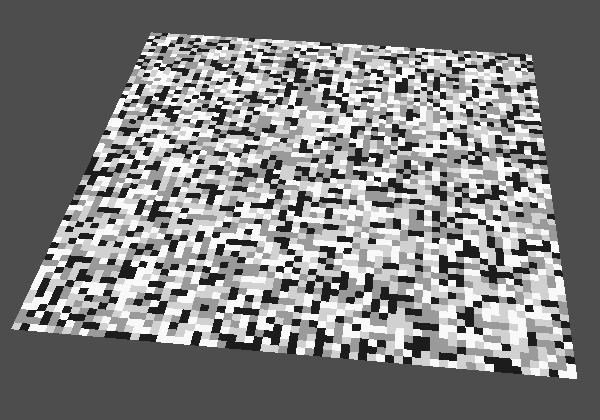
We can improve our current approach by doubling the amount of bits that we use. This is done by enabling the least two significant bits of our mask, so it becomes 11, which is decimal 3. To keep the resulting value between 0 and 1 we have to divide the float by 3.
float hash_to_float(uint hash) {
	hash &= 3u;
	return float(hash) / 3.0;
}
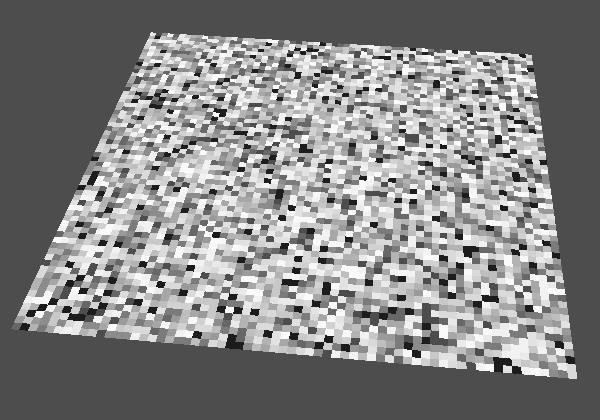
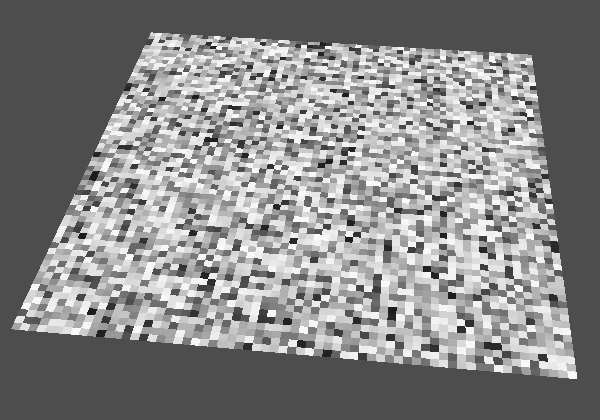
We can use this approach to include more bits. For example, we can use four bits by masking with and dividing by 15, and eight bits by using 255 instead.
Constructing a Float
Although masking bits works it requires both a conversion to float and at least a multiplication. Let's try to skip that and directly interpret the hash as a float.
float hash_to_float(uint hash) {
	return uintBitsToFloat(hash);
}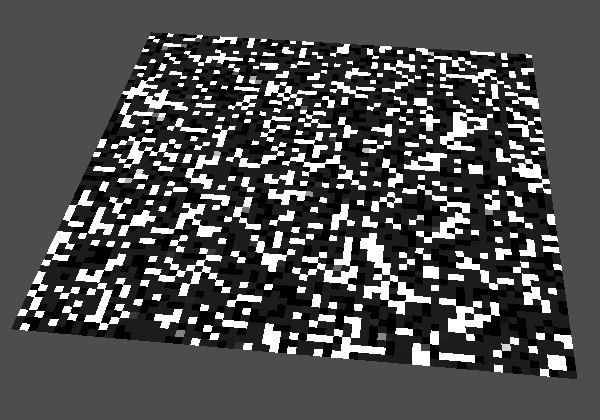
This doesn't work because we end up with an arbitrary sign and exponent, so most values end up outside the 0–1 range. But the 23 mantissa bits should be fine, so let's mask those before reinterpreting. The mantissa mask is binary 0000_0000_0111_1111_1111_1111_1111_1111, which is decimal 8388607. An alternative is to use hexadecimal notation, in which case it is 7FFFFF. Each hexadecimal digit maps to four binary digits, which is convenient. 1111 is F and 0111 is 7. The standard way to write a 32-bit mask is then an unsigned hexadecimal value with eight explicit digits. Hexadecimal values are prefixed with 0x, so in this case we get 0x007FFFFFu.
return uintBitsToFloat(hash & 0x007FFFFFu);The result is black, because the exponent is 0. Due to the bias we need to use 127 to represent the true exponent 0, which is 1111111 in binary. Shifted into the exponent bits we get the bit pattern 0011_1111_1000_0000_0000_0000_0000_0000, which is hexadecimal 3F800000. Merge that into the hash via the boolean OR operator |.
return uintBitsToFloat(hash & 0x007FFFFFu | 0x3F800000u);The result is white because the implicit most significant mantissa bit is always 1. So we end up with values between 1 and 2. The solution is to subtract 1 from the float.
return uintBitsToFloat(hash & 0x007FFFFFu | 0x3F800000u) - 1.0;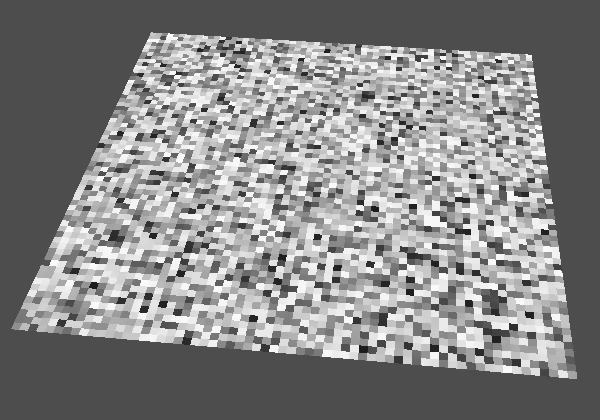
This gives us values between 0 and 1 with maximum precision, using 23 bits of our hash. Note that the shader compiler will likely use bit-insertion instructions to make this even more efficient than our code implies.
Two Floats
We're only using 23 bit of our hash, which leaves 9 bits unused. We cannot use these to create more precise values, because that would exceed the precision of float. What we could do is use those extra bits to generate another value. We could also instead use our hash to generate two values with equal precision, both 16 bits. Let's add a hash_to_vec2() function for this. It is a copy of hash_to_float() converted to work with vec2 instead of float. Initially it uses the hash for its first component and zero for the second component.
float hash_to_float(uint hash) {
	return uintBitsToFloat(hash & 0x007FFFFFu | 0x3F800000u) - 1.0;
}

vec2 hash_to_vec2(uint hash) {
	return uintBitsToFloat(uvec2(
			hash,
			0u
	) & uvec2(0x007FFFFFu) | uvec2(0x3F800000u)) - 1.0;
}
To visualize two values we'll add a visualization configuration option to our shader, which is an enum with options for grayscale and RG colors.
uniform uint hash_seed = 0u;
uniform int visualization : hint_enum("Grayscale", "RG") = 0;
Adjust fragment() so it uses the desired visualization.
	uint hash = hash(h);
	//float value = hash_to_float(hash);
	switch (visualization) {
		case 0: // Grayscale
			ALBEDO = vec3(hash_to_float(hash));
			break;
		case 1: // RG
			ALBEDO = vec3(hash_to_vec2(hash), 0.0);
			break;
	}
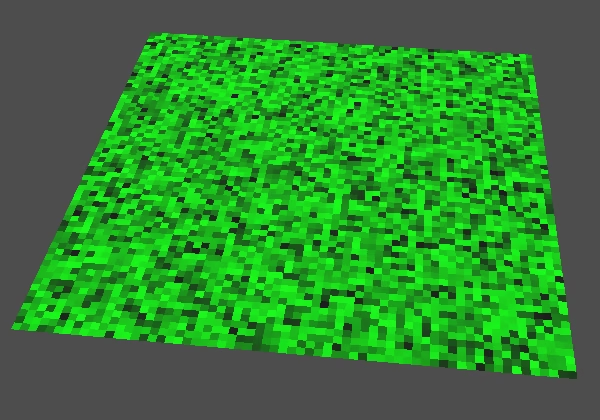
We reduce the precision of the first component from 23 to 16 bits by shifting the hash right 7 steps before constructing the float value. That turns the low 16 bits of the hash into the high 16 bits of the mantissa. The lowest 7 bits are padded with zero, but we'll change our mask to explicitly set those to zero as well. So the lowest eight bits become 1000_000, which is hexadecimal 80. Thus we use 007FFF80 instead of 007FFFFF.
vec2 hash_to_vec2(uint hash) {
	return uintBitsToFloat(uvec2(
			hash << 7u,
			0u
	) & uvec2(0x007FFF80u) | uvec2(0x3F800000u)) - 1.0;
}
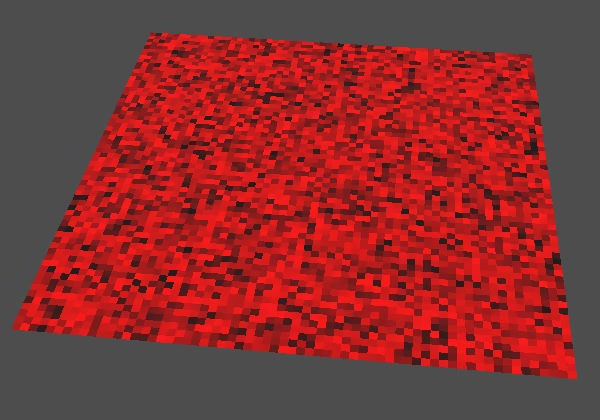
For the second component we shift 9 steps to the right, so the high 16 bits are used.
			hash << 7u,
			hash >> 9u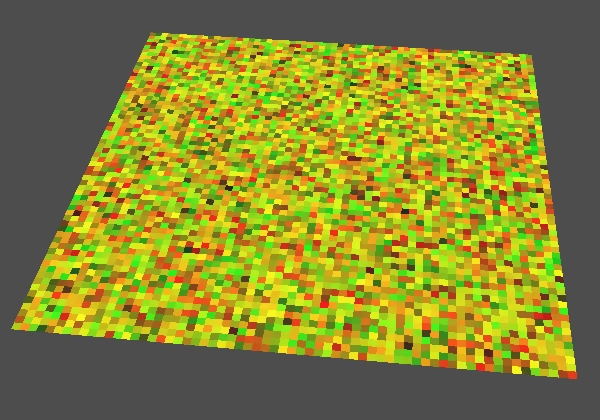
Three Floats
We could also split the hash into four values to generate an RGBA color, with 8-bit precision per component. But because we're not using the alpha channel let's instead split it into three values to create an RGB color. We cannot equally split the bits in three. Typical bit allocations for RGB are 11, 11, 10 and 10, 12, 10, based on how sensitive our eyes are to the different colors. Let's use 11, 11, 10, allocating the bits like this:
BBBB_BBBB_BBGG_GGGG_GGGG_GRRR_RRRR_RRRR
Create a hash_to_vec3() function for this by copying and adapting hash_to_vec2(). Split out the bit mask because it will no longer be the same for all channels.
vec2 hash_to_vec2(uint hash) { … }

vec3 hash_to_vec3(uint hash) {
	return uintBitsToFloat(uvec3(
			(hash << 7u) & 0x007FFF80u,
			0u,
			(hash >> 9u) & 0x007FFF80u
	) | uvec3(0x3F800000u)) - 1.0;
}
For the first channel we now have to shift left 12 steps.
(hash << 12u) & 0x007FFF80u,And the bit mask has its lowest 12 bits cleared, so becomes 007FF000.
(hash << 12u) & 0x007FF000u,The second channel is for green and must be shifted left one step. It has the same mask as the first channel.
			(hash << 12u) & 0x007FF000u,
			(hash << 1u) & 0x007FF000u,
And the third channel still has the same shift but its mask is one bit shorter, so 007FE000.
(hash >> 9u) & 0x007FE000u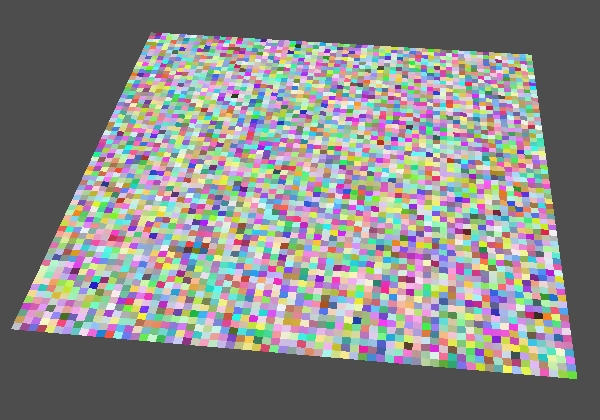
We now have a decent hasher, which we will use in the future to generate more interesting pseudorandom noise patterns.
The next tutorial is Shader Library.