Curled Noise
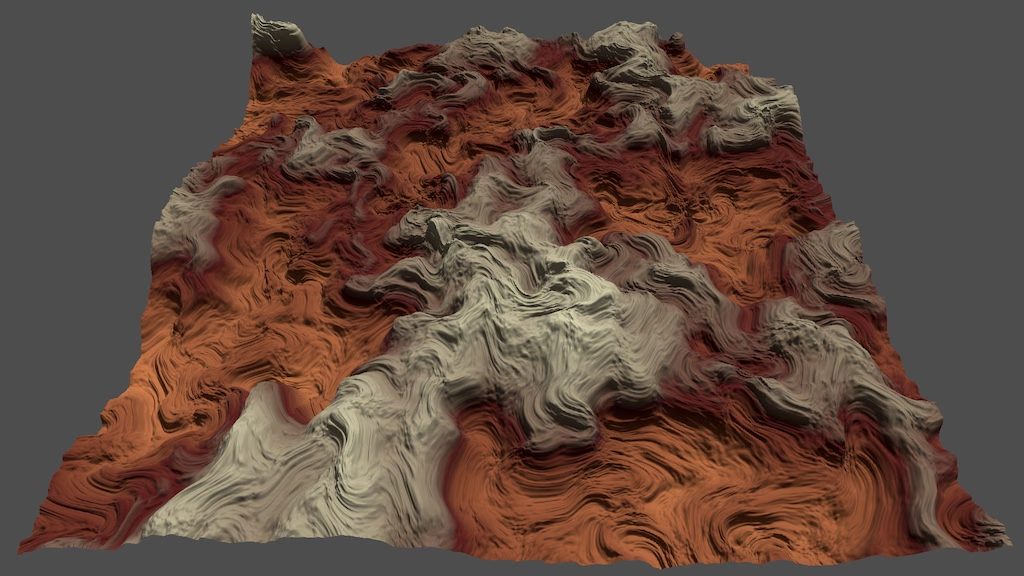
This is the tenth Godot tutorial in a series that covers the creation of procedural patterns on the GPU with shaders, using the Godot Engine, version 4.7. It follows Tiling Noise and adds UV warping to it.
Warping U coordinates
Aside from some experimenting we've mostly kept our UV coordinate system constant. It's a square for the plane and a rectangle around the torus. We use the bumpiness configuration option to scale the derivatives so they better match the surface, and that's it. This time we're going to warp the UV coordinates and thus the pattern that gets generated with them. We start with some simple modifications and end up with curl noise.
Our starting point is the plane with a single octave of value noise, at frequency 8, with adaptive fractal scale enabled. Displacement is set to 1, but vertex displacement is disabled so we can get a clear look at the pattern.
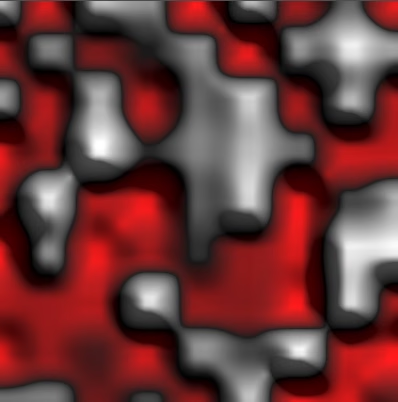
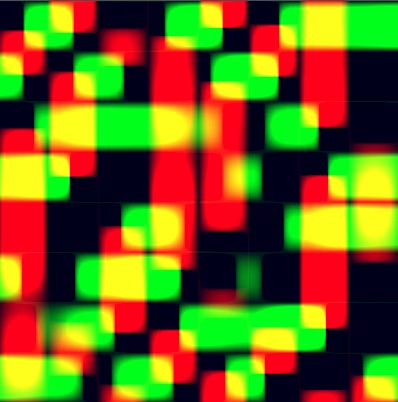
We begin with a very simple adjustment of sample_noise() in value_noise.gdshader
: negating the U coordinate that we use for sampling.
	uv.x = -uv.x;
	return sample_fractal_pattern(
			standard_fractal_pattern_settings(),
			uv,
			TIME
	);
This reverses the pattern in the U dimension. It might appear correct at first glance, but closer examination will reveals that the U derivatives are wrong. They still match the surface but have the wrong sign, which causes the surface normals to point in the wrong direction in the U dimension.
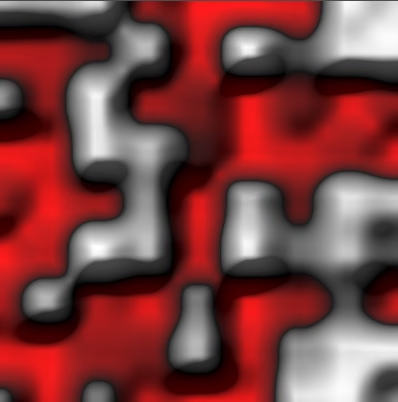
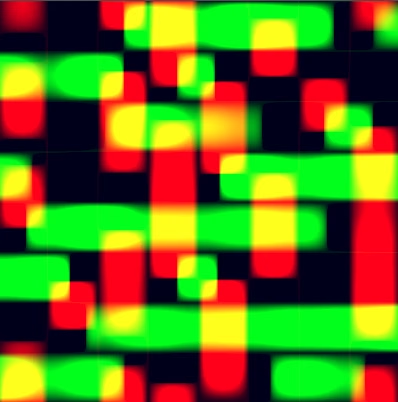
The solution is to negate the derivative for the U dimension as well. This makes sense because we're effectively applying the chain rule. Recall that for a given we have . In this case and .
	uv.x = -uv.x;
	PatternSample s = sample_fractal_pattern(
			standard_fractal_pattern_settings(),
			uv,
			TIME
	);
	s.dx = -s.dx;
	return s;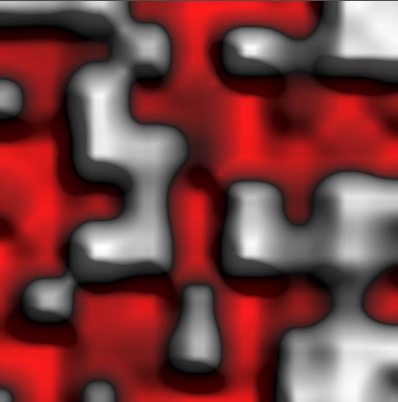
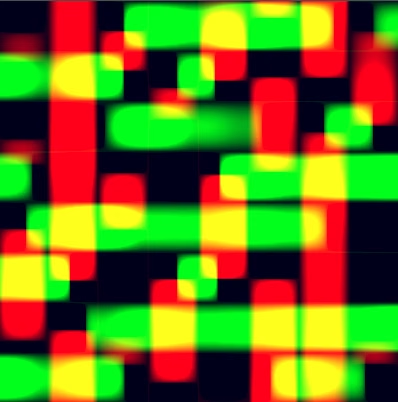
In general we can pass the U coordinate through any warping function before passing it to the sampling function , as long as we also multiply the derivative of the sampling function with the derivative of the warping function. This is the chain rule specific to our current pattern function , if we ignore the V coordinate for the moment:
With the derivative:
To formalize this let's introduce a PatternSample for U.
	PatternSample u = zero_pattern_sample();
	u.v = -uv.x;
	u.dx = -1.0;
	uv.x = u.v;
	PatternSample s = sample_fractal_pattern(
			standard_fractal_pattern_settings(),
			uv,
			TIME
	);
	s.dx *= u.dx;
Now we can modify that pattern sample and as longs as its derivatives are correct the resulting pattern will also have correct derivatives. For example, we can effectively double the U frequency by using and .
	u.v = 2.0 * uv.x;
	u.dx = 2.0;
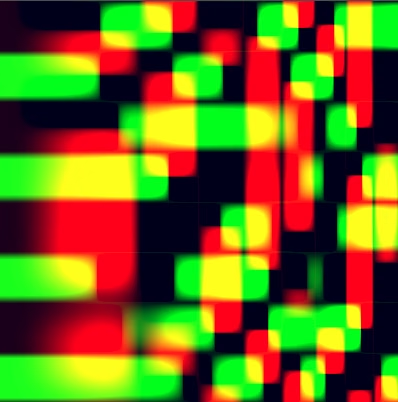
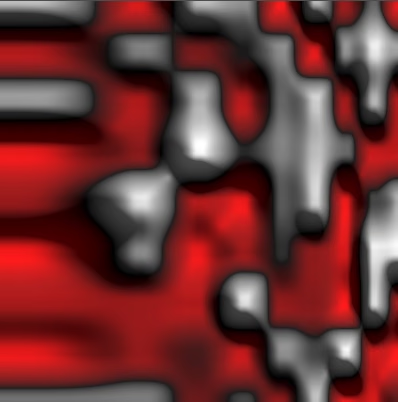
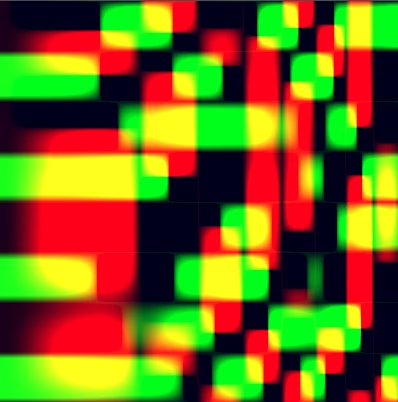
Below the correct result is shown first with the incorrect result below it. The incorrect result has the wrong derivatives due to ignoring the chain rule, simply using .
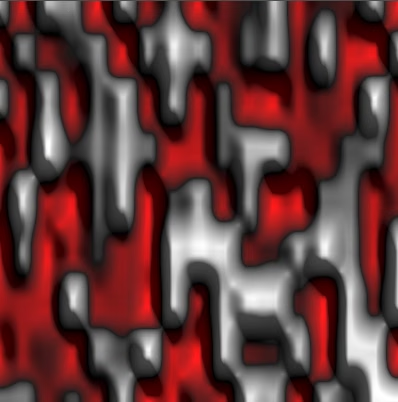
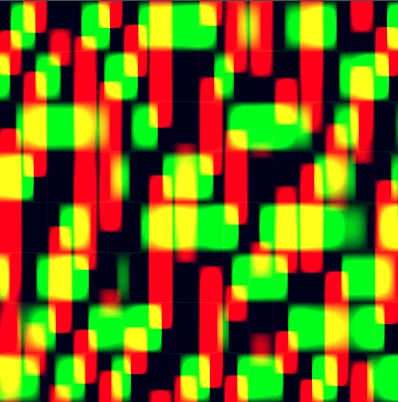
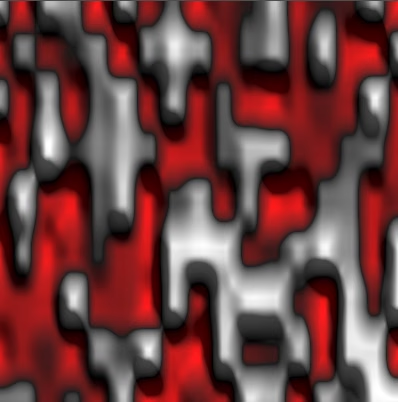
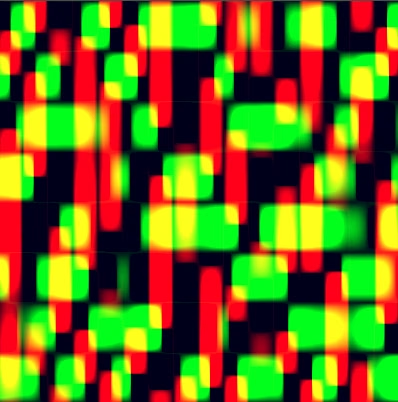
Doubling the frequency makes the derivatives more extreme, but because the change is uniform the error caused by not adjusting derivatives is not that obvious. The difference becomes more noticeable when the adjustment of U is nonlinear, for example by using and .
	u.v = uv.x * uv.x;
	u.dx = 2.0 * uv.x;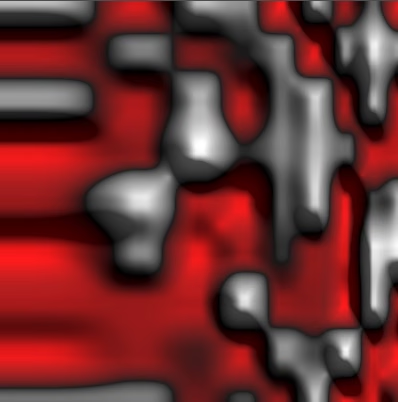
Both U and V
We also have the V coordinate. Adding it to our pattern function we get an extra parameter and a new function :
Now we have two partial derivatives, one for and one for . This requires us to explicitly indicate which parameter a derivative is for. We do this by replacing the single prime sign with a sequence of numbers matching the parameters of the function. Here 1 means the first derivative and 0 means no derivative. We start with the derivative for :
In our code that's just s.dx * u.dx. Then we get the derivative for :
This would be s.dy * v.dy. Add a pattern sample for V to include it.
PatternSample u = zero_pattern_sample();
	u.v = uv.x * uv.x;
	u.dx = 2.0 * uv.x;
	PatternSample v = zero_pattern_sample();
	v.v = uv.y;
	v.dy = 1.0;

	uv.x = u.v;
	uv.y = v.v;
	PatternSample s = sample_fractal_pattern(
			standard_fractal_pattern_settings(),
			uv,
			TIME
	);
	s.dx *= u.dx;
	s.dy *= v.dy;
We can go a step further, realizing that the functions that warp the coordinates themselves also have two parameters, until now we just ignored the unused one for each. In its simplest form we have and . This means that we could swap the dimensions by using and instead. This would be the same as swapping the order of the arguments of .
	uv.x = v.v;
	uv.y = u.v;
That indeed works and the derivatives remain correct, but let's undo that change.
	uv.x = u.v;
	uv.y = v.v;
What we'll do next is make use both its parameters, adding them together: . Let's for the moment reset its derivative back to its default, ignoring the new dependency.
	u.v = uv.x + uv.y;
	u.dx = 1.0;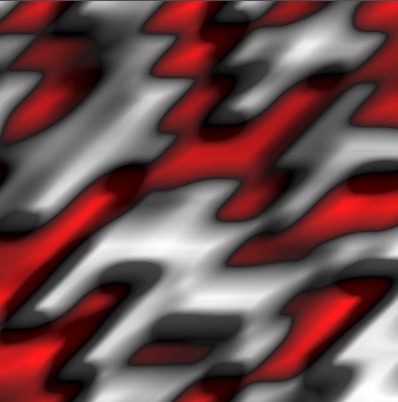
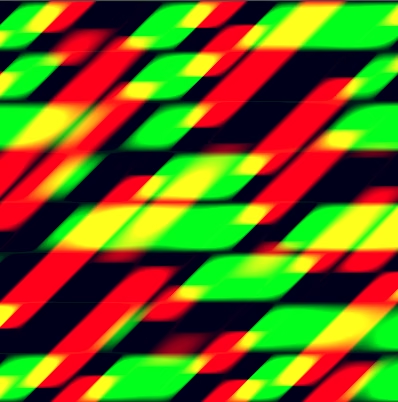
We get a slanted pattern, but with incorrect derivatives. We already have but now we also have .
	u.v = uv.x + uv.y;
	u.dx = 1.0;
	u.dy = 1.0;
The final partial derivative for is still correct, but the final partial derivative for is missing the part that affects the first parameter of our noise function. We have to apply the chain rule to each part and sum that. We already have the second part:
Let's summarize this by omitting and , to make it easier to read:
We can also rearrange that to put the remaining arguments at the end:
We complete it by including the missing first part:
Put that into our code, ensuring that we use the unmodified s.dx.
	float dx = s.dx;
	s.dx *= u.dx;
	s.dy = u.dy * dx + v.dy * s.dy;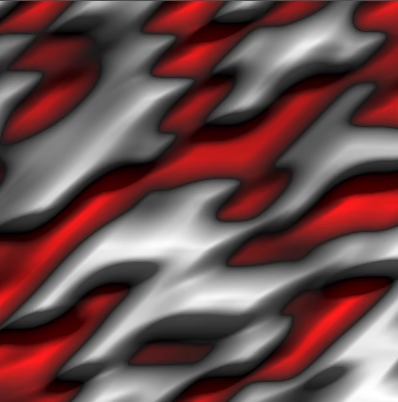
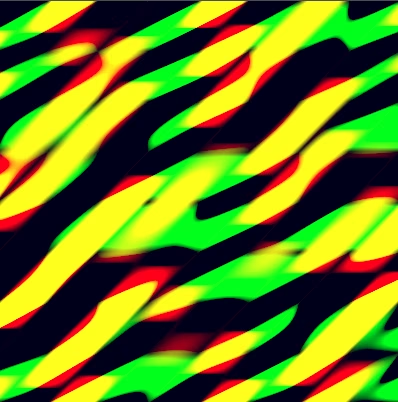
The same logic applies to the partial derivative for :
	float dx = s.dx;
	s.dx = u.dx * dx + v.dx * s.dy;
	s.dy = u.dy * dx + v.dy * s.dy;
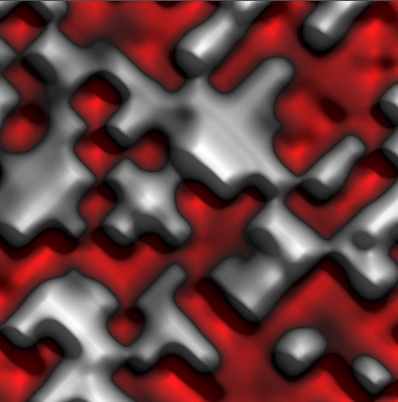
Now we can use both coordinates everywhere. For example, let's make the pattern diagonal by using .
	v.v = uv.y - uv.x;
	v.dx = -1.0;
	v.dy = 1.0;
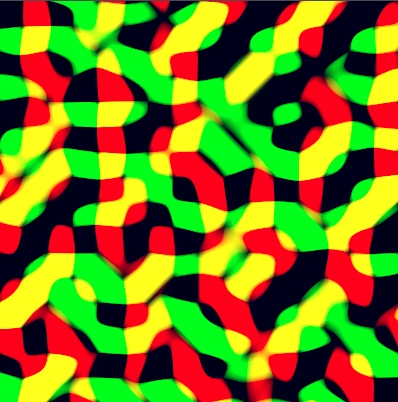
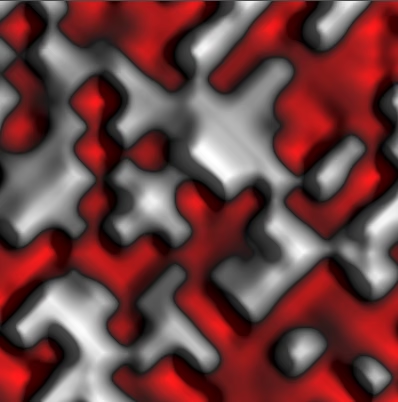
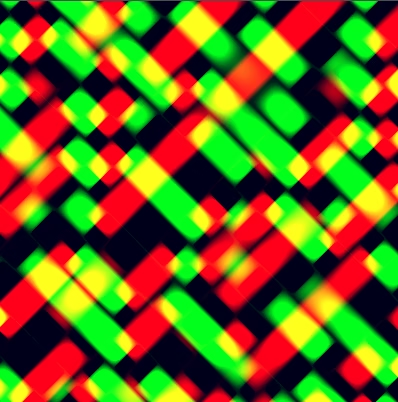
Warping Noise with Noise
Now that we can use arbitrary functions let's feed the noise to itself and see what happens. We'll use and where is our existing value noise pattern function.
	PatternSample u = sample_fractal_pattern(
			standard_fractal_pattern_settings(),
			uv,
			TIME
	);
	//u.v = uv.x + uv.y;
	//u.dx = 1.0;
	//u.dy = 1.0;
	PatternSample v = zero_pattern_sample();
	v.v = uv.y;
	v.dx = 0.0;
	v.dy = 1.0;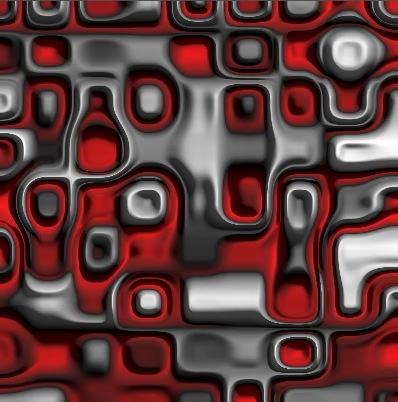
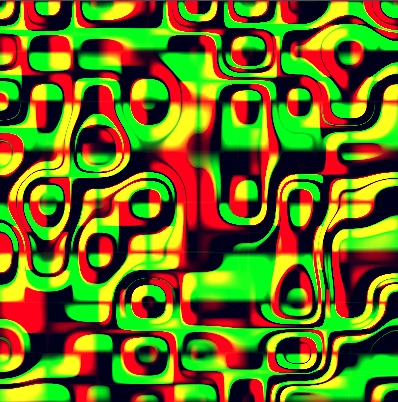
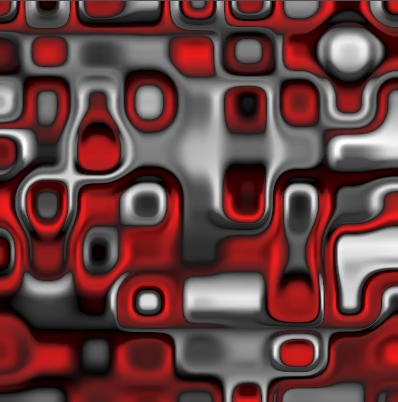
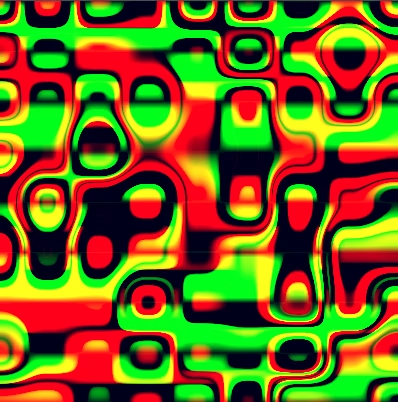
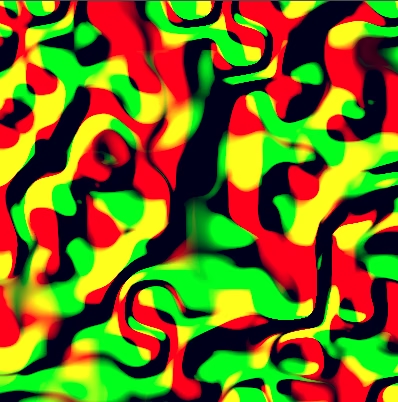
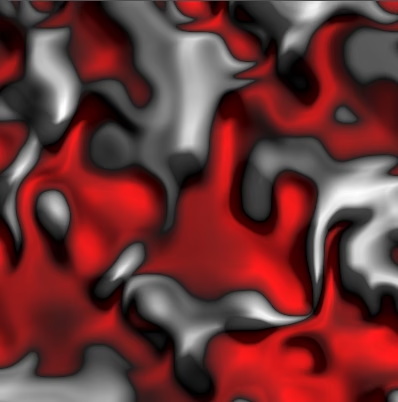
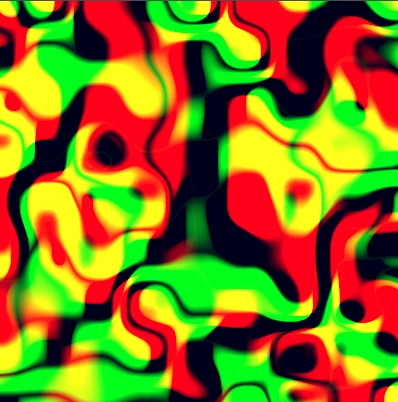
This works but isn't very useful. Let's instead add the noise to the original coordinate, scaled down to only warp it a little:
	PatternSample u = sample_fractal_pattern(
			standard_fractal_pattern_settings(),
			uv,
			TIME
	);
	u = multiply(u, 0.25);
	u.v += uv.x;
	u.dx += 1.0;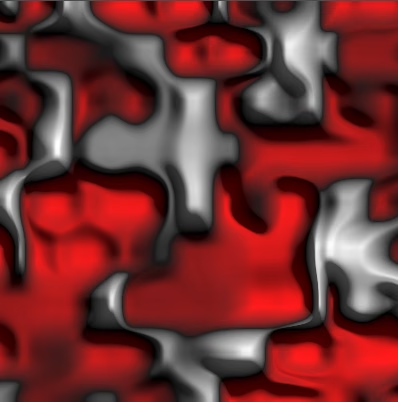
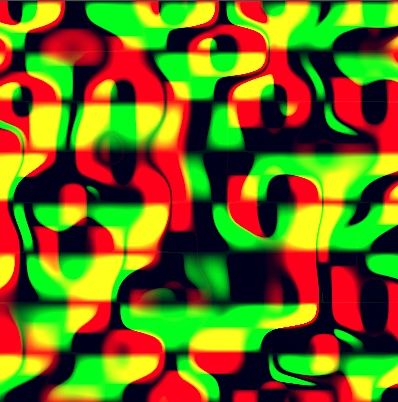
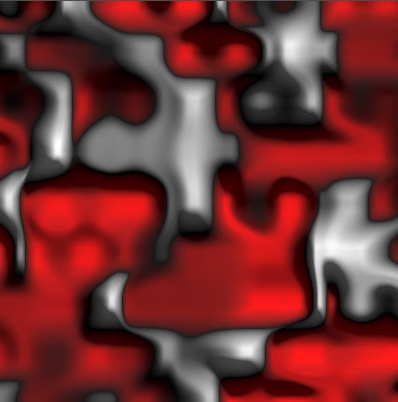
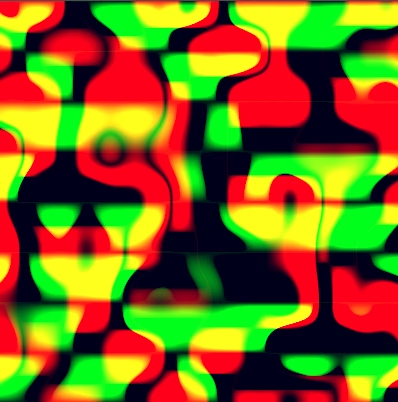
We can do the same for .
	PatternSample v = sample_fractal_pattern(
			standard_fractal_pattern_settings(),
			uv,
			TIME
	);
	v = multiply(v, 0.25);
	v.v += uv.y;
	//v.dx = 0.0;
	u.dy += 1.0;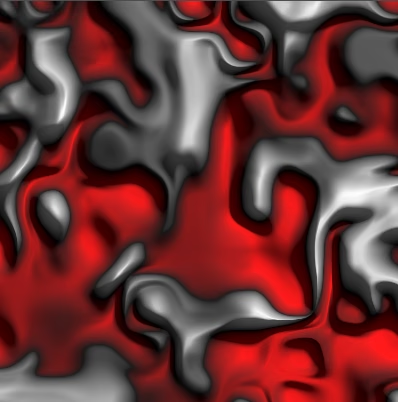
Separate Pattern Seeds
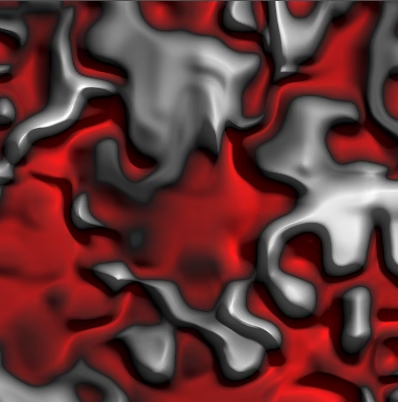
If we're using noise to offset both coordinates we should use a different pattern for each, and also use a different pattern for the final noise. To make this possible we're going to add the pattern seed to FractalPatternSettings in fractal_pattern_settings.gdshaderinc
.
/*
Declares the FractalPatternSettings struct used by fractal_pattern.gdshaderinc.

The following settings are supported:
- pattern_seed: The pattern seed value, potentially used for hashing.
…
*/

…

struct FractalPatternSettings {
	uint pattern_seed;
	PATTERN_FREQUENCY_TYPE base_frequency;
	…
};

#ifdef USE_STANDARD_FRACTAL_PATTERN_SETTINGS
uniform uint pattern_seed = 0u;
uniform PATTERN_FREQUENCY_TYPE base_frequency = PATTERN_FREQUENCY_TYPE(1.0);
…

FractalPatternSettings standard_fractal_pattern_settings() {
	return FractalPatternSettings(
			pattern_seed,
			base_frequency,
			…
	);
}
#else
FractalPatternSettings default_fractal_pattern_settings() {
	FractalPatternSettings settings = FractalPatternSettings(
			0u,
			PATTERN_FREQUENCY_TYPE(1.0),
			…
	);
	return settings;
}
#endif
In fractal_pattern.gdshaderinc
we'll pass the seed as the first argument to the sample pattern function.
/*
…
Define SAMPLE_PATTERN_FUNCTION to set the function for sampling an octave.
Only define the function name, without parameter list.
The matching function declaration must have three parameters:
- uint for the pattern seed.
- int for the octave's index.
…*/

…

PatternSample dummy_sample_pattern(
		uint pattern_seed,
		int octave,
		…
) {
	return zero_pattern_sample();
}
…

PatternSample sample_fractal_pattern(…) {
	…
	for (int i = 0; i < settings.octaves; i++) {
		PatternSample sample = SAMPLE_PATTERN_FUNCTION(
				settings.pattern_seed,
				i, frequency, coordinates, animation_offset
		);
		…
	}
	return normalize_fractal_sample(settings, sum);
}
Use this seed in sample_value_noise() in value_noise.gdshader
, replacing its own configuration option.
//uniform uint hash_seed = 0u;
…

PatternSample sample_value_noise(
		uint seed,
		int octave,
		vec2 frequency,
		vec2 uv,
		float time
) {
	…

	Hasher h = hasher(seed + uint(octave));
	…
}
We also have to add the seed parameter to sample_pattern() in sine_waves.gdshader
, even through we don't use it there.
PatternSample sample_pattern(
		uint seed,
		int octave,
		vec2 frequency,
		vec2 uv,
		vec2 time
) { … }
Back to sample_noise() in value_noise.gdshader
, we can now use a different seed per sample. We copy the global settings to specific UV settings, then simply increment the seed for U and again for V.
	FractalPatternSettings uv_settings = standard_fractal_pattern_settings();
	uv_settings.pattern_seed += 1u;
	PatternSample u = sample_fractal_pattern(uv_settings, uv, TIME);
	u = multiply(u, 0.25);
	u.v += uv.x;
	u.dx += 1.0;
	uv_settings.pattern_seed += 1u;
	PatternSample v = sample_fractal_pattern(uv_settings, uv, TIME);
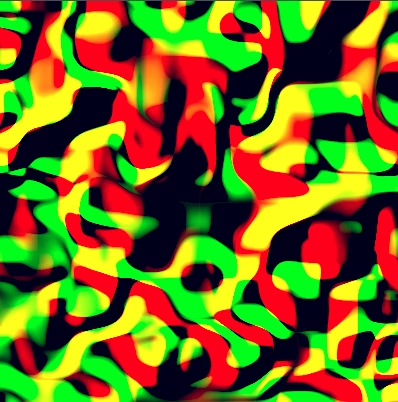
Vector Noise
Let's separate our UV warping code from the sample_noise() function, introducing a sample_vector_noise() function that produces a 2D vector via two pattern samples, made available via output parameters.
void sample_vector_noise(vec2 uv, out PatternSample u, out PatternSample v) {
	FractalPatternSettings uv_settings = standard_fractal_pattern_settings();
	uv_settings.pattern_seed += 1u;
	u = sample_fractal_pattern(uv_settings, uv, TIME);
	uv_settings.pattern_seed += 1u;
	v = sample_fractal_pattern(uv_settings, uv, TIME);
}
Let's also center the vector so it can be both positive and negative, by subtracting 0.5 from its output values, which doesn't affect its derivatives.
	u = sample_fractal_pattern(uv_settings, uv, TIME);
	u.v -= 0.5;
	uv_settings.pattern_seed += 1u;
	v = sample_fractal_pattern(uv_settings, uv, TIME);
	v.v -= 0.5;
We'll use this vector noise as an offset when sampling the final pattern. Let's make the offset strength configurable.
uniform bool vertex_displacement = true;
uniform float offset_strength : hint_range(-1.0, 1.0) = 0.0;
Use the vector noise and offset strength in sample_noise().
	//FractalPatternSettings uv_settings = standard_fractal_pattern_settings();
	//uv_settings.pattern_seed += 1u;
	PatternSample u, v;
	//u = multiply(u, 0.25);
	sample_vector_noise(uv, u, v);
	u = multiply(u, offset_strength);
	v = multiply(v, offset_strength);
	u.v += uv.x;
	u.dx += 1.0;
	//uv_settings.pattern_seed += 1u;
	//PatternSample v = sample_fractal_pattern(uv_settings, uv, TIME);
	//v = multiply(v, 0.25);
	v.v += uv.y;
v.dy += 1.0;Curl Noise
Although vector noise can be used to warp our pattern the results aren't very useful. The offset causes the pattern to be locally compressed or expanded, which doesn't look very good. A more interesting effect would be to locally rotate the pattern, as if it were curled.
To create effective smoothly changing rotation we cannot determine U and V separately, they have to depend on a shared measure of rotation. So we rename sample_vector_noise() to sample_curl_noise() and reduce it to sampling the noise only once to get the basis for the curl effect. We initially set U and V to zero.
void sample_curl_noise(vec2 uv, out PatternSample u, out PatternSample v) {
	FractalPatternSettings curl_settings = standard_fractal_pattern_settings();
	curl_settings.pattern_seed += 1u;
	PatternSample s = sample_fractal_pattern(curl_settings, uv, TIME);
	u = zero_pattern_sample();
	v = zero_pattern_sample();
}
How do we extract rotation data for two dimensions from a single sample? The sample already has 2D information: its derivatives. So let's just use its U derivative for U and its V derivative for V and see what we get. We ignore the final derivatives for now, keeping them all at zero.
	u = zero_pattern_sample();
	u.v = s.dx;
	v = zero_pattern_sample();
	v.v = s.dy;
Change sample_noise() so it calls sample_curl_noise().
sample_curl_noise(uv, u, v);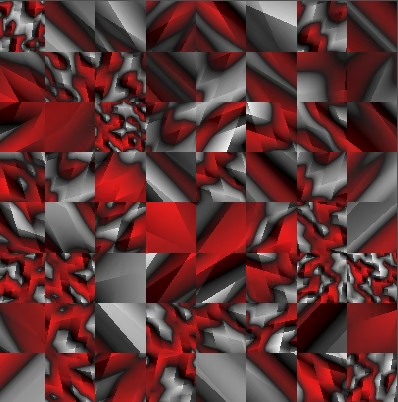
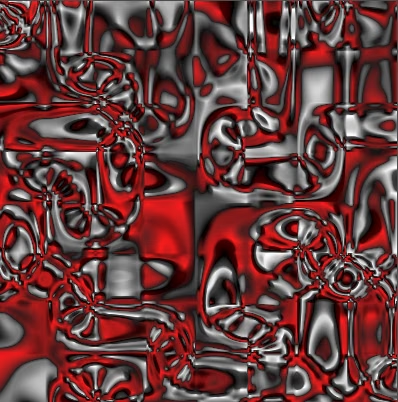
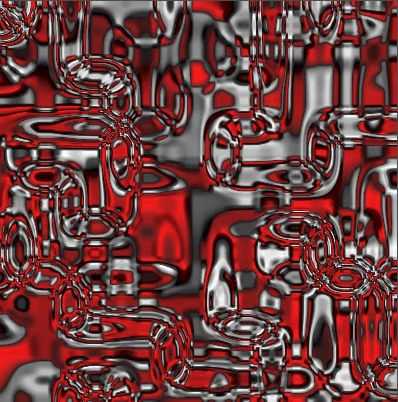
The result is very strong warping, because unlike the original noise function the amplitude of its derivative functions can exceed 1, depending on its smoothness. The amplitude of the linear blend function is limited to 1, but smooth goes up to and smoother goes up to .
Let's normalize the derivatives so all smoothness levels have the sample amplitude. The step option is flat and has zero derivatives, so it doesn't work and we ignore it.
	v = zero_pattern_sample();
	v.v = s.dy;

	float smoothness_normalization = 1.0;
	switch (smoothness) {
		case 2:
			smoothness_normalization = 2.0 / 3.0;
			break;
		case 3:
			smoothness_normalization = 8.0 / 15.0;
			break;
	}
	u = multiply(u, smoothness_normalization);
	v = multiply(v, smoothness_normalization);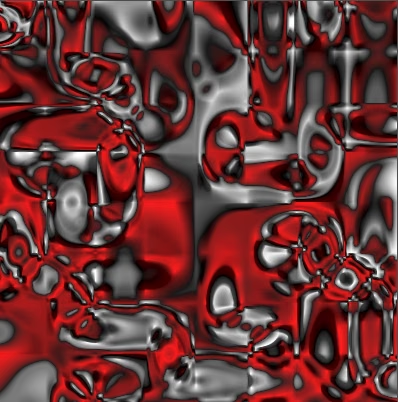
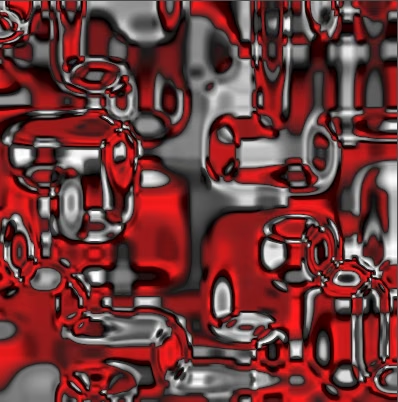
Frequency also affects the amplitude of the derivatives. We're currently using frequency 8 so the derivatives have that as their maximum amplitude. Let's compensate for that as well, which makes the curl strength easier to manage.
	vec2 scale = smoothness_normalization / curl_settings.base_frequency;
	u = multiply(u, scale.x);
	v = multiply(v, scale.y);
As we're already scaling the curl let's include the configurable offset strength here as well, renaming it to curl strength. Then we no longer need to apply it in sample_noise().
uniform float curl_strength : hint_range(-1.0, 1.0) = 0.0;
…

void sample_curl_noise(vec2 uv, out PatternSample u, out PatternSample v) {
	…
	vec2 scale = curl_strength * smoothness_normalization /
			curl_settings.base_frequency;
	…
}

PatternSample sample_noise(vec2 uv) {
	…
	sample_curl_noise(uv, u, v);
	//u = multiply(u, offset_strength);
	//v = multiply(v, offset_strength);
	…
}This doesn't look like rotation yet, it instead pushes and pulls the final pattern along the slopes of the curl pattern. To make it curl we rotate the offsets a quarter circle counterclockwise. That will make the offsets wrap around the slopes instead. This is done by swapping the derivatives and negative the one used for V. You could also negate U instead, which would reverse the rotation.
	u = zero_pattern_sample();
	u.v = s.dy;
	v = zero_pattern_sample();
	v.v = -s.dx;

	…
	u = multiply(u, scale.y);
v = multiply(v, scale.x);This still produces straight offset vectors, but locally and when applied at low strength the result looks like rotation.
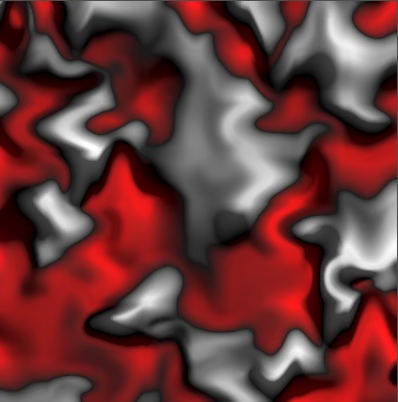
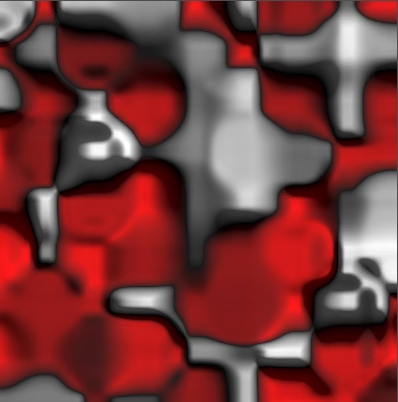
This effect isn't arbitrary, it is based on the local rotation inside a vector field. Simply put, if some flow is stronger on the right side than on the left side then this causes a counterclockwise rotation.
Curl Derivatives
To complete the pattern we need to include the derivatives of our curl noise. Because we're directly using the first derivatives of a noise sample as the value of the result we'll need to use the second derivatives. Unfortunately we only support the first derivatives. Although we could calculate the second derivatives that would increase the complexity of our code a lot, so we won't add support for second derivatives.
Besides directly calculating derivatives it is also possible to approximate them, by assuming that the noise is linear in a very small region around the sampling point. Then its derivative is found by sampling the noise twice.
The most accurate approximation is to use the central differencing method, which is to sample the noise slightly behind and also slightly in front of the original sample point. However, this requires four samples to get both derivatives, which is expensive. So we'll settle for the forward differencing method, which samples at the original sample point and slightly in front of it, so we only need tree samples. That shifts the approximation forward and causes U and V to be slightly out of alignment, but this isn't a real problem for curl noise because we don't care about the original value at all and the slight misalignment won't be obvious.
So we sample two more times, with small offsets for U and V each. The small value used for the offset is called the epsilon. This value should not be too small due to float precision limitations. We'll use 0.001.
	//u = zero_pattern_sample();
	//u.v = s.dy;
	//v = zero_pattern_sample();
	//v.v = -s.dx;
	float epsilon = 0.001;
	PatternSample sx = sample_fractal_pattern(
			curl_settings, uv + vec2(epsilon, 0.0), TIME
	);
	PatternSample sy = sample_fractal_pattern(
			curl_settings, uv + vec2(0.0, epsilon), TIME
	);
Instead of using the derivatives of the original sample directly we switch to using the forward differencing method for U and V. So they become the offset samples minus the original sample, divided by the epsilon. We can merge that division into the scale.
	vec2 scale = curl_strength * smoothness_normalization / epsilon /
			curl_settings.base_frequency;
	u = multiply(subtract(sy, s), scale.y);
	v = multiply(subtract(sx, s), -scale.x);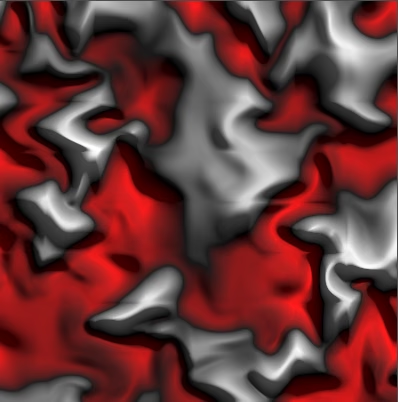
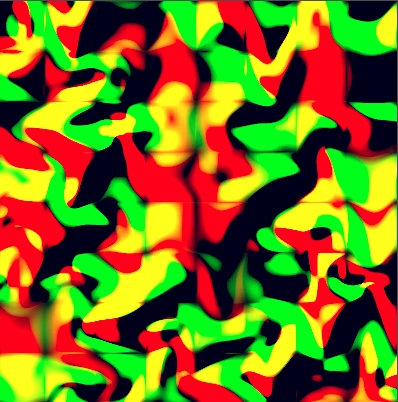
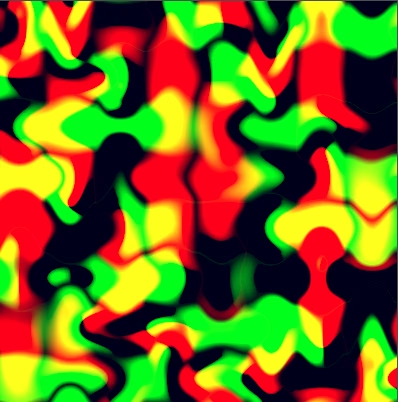
The derivatives of U and V are now the approximate second derivatives that we needed. Note that because the derivative functions have been promoted to a higher level smoother curl noise is only smooth, smooth curl noise is only linear, and linear curl noise is constant. This will cause creases to appear that will reveal the lattice grid underlying the pattern. To smooth this out we could switch to an even smoother blending function, requiring a seventh-order polynomial, but that would be even more complicated and expensive to calculate. So we just accept these limitations of curl noise that's based on value noise.
Tiling Curl
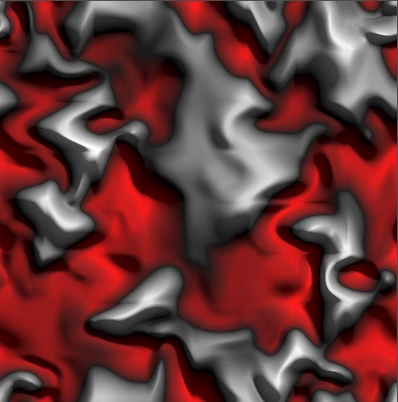
The curled pattern can be tiled, but when combined with animation we have to tile the UV coordinates both after tiling and after curling in sample_noise().
	if (animation) {
		uv += slide_velocity * TIME;
		if (tiling) {
			uv = fract(uv);
		}
		//uv += slide_offset;
	}

	PatternSample u, v;
	sample_curl_noise(uv, u, v);
	u.v += uv.x;
	u.dx += 1.0;
	v.v += uv.y;
	v.dy += 1.0;

	//uv.x = u.v;
	//uv.y = v.v;
	uv = vec2(u.v, v.v);
	if (tiling) {
		uv = fract(uv);
	}
Curl Configuration
We wrap up by adding a few more separate configuration options for the curl. Give it its own frequency, up to three octaves, and animation. We keep the other settings like lacunarity shared, though you could also make these separate.
uniform float curl_strength : hint_range(-1.0, 1.0) = 0.0;
uniform vec2 curl_frequency = vec2(1.0, 1.0);
uniform int curl_octaves : hint_range(1, 3) = 1;
uniform float curl_animation = 0.0;

…

void sample_curl_noise(vec2 uv, out PatternSample u, out PatternSample v) {
	FractalPatternSettings curl_settings = standard_fractal_pattern_settings();
	curl_settings.pattern_seed += 1u;
	curl_settings.base_frequency = curl_frequency;
	curl_settings.octaves = curl_octaves;
	curl_settings.base_animation = curl_animation;
	…
}
Finally, simply incrementing the seed for curl noise isn't sufficient when multiple octaves are used for the main pattern. So we'll instead flip the bits of its least significant byte, which we do by XOR-ing it with 255. That will always produce a significantly different seed.
curl_settings.pattern_seed ^= 255u;The curl effect is usually applied at a lower frequency than the base frequency, to make the displacement smoother. Higher octaves make the warping more erratic while being quite costly, which is why we limit them to three.
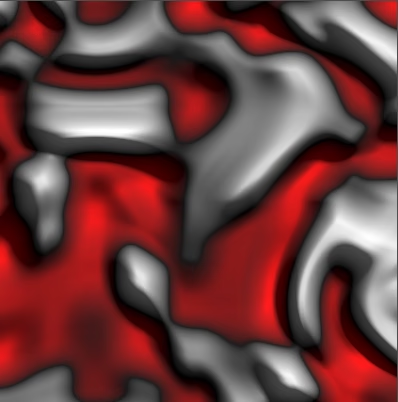
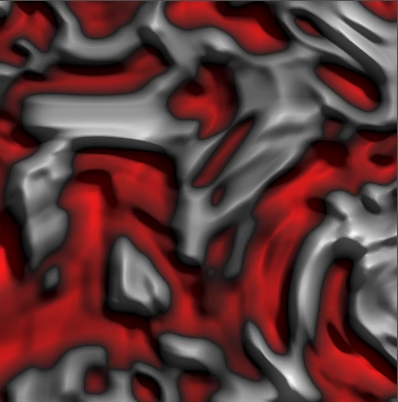
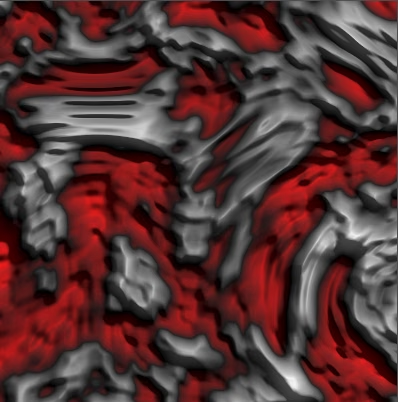
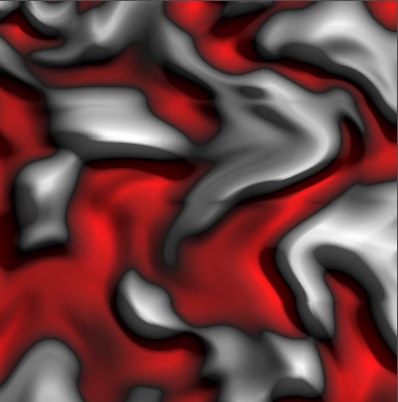
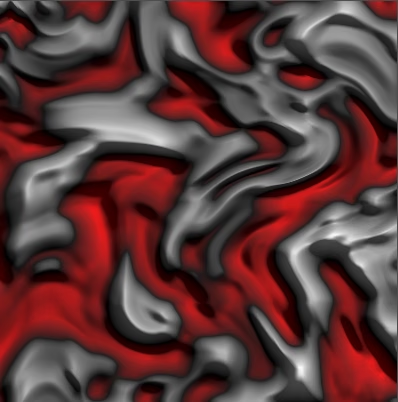
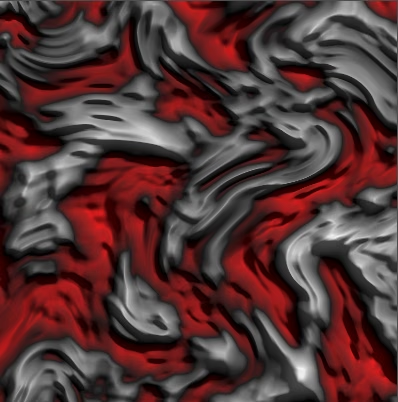
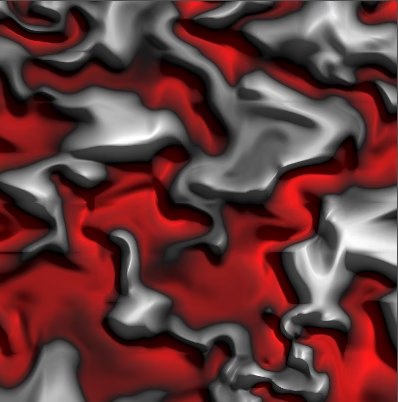
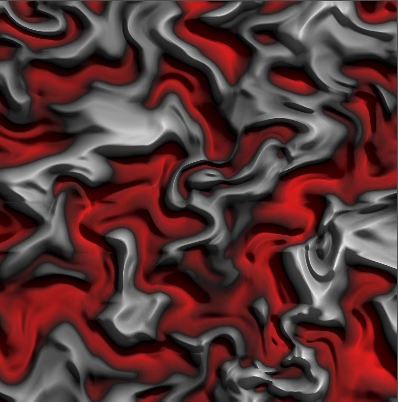
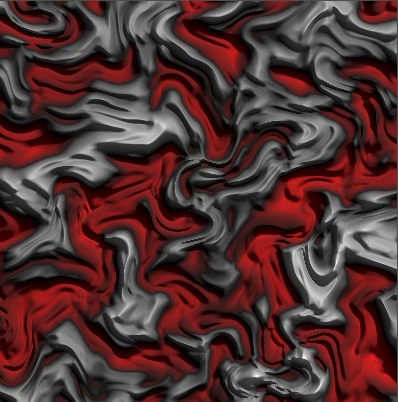
We can now also animate the curl and final pattern independent of each other.
With everything combined and animated our originally blocky value noise melts and appears more natural.
It works on a torus as well, as long as we use even frequencies.
In the future we'll look at a different way of blending.