
Hex Map 5.5.0
The First Burst Job
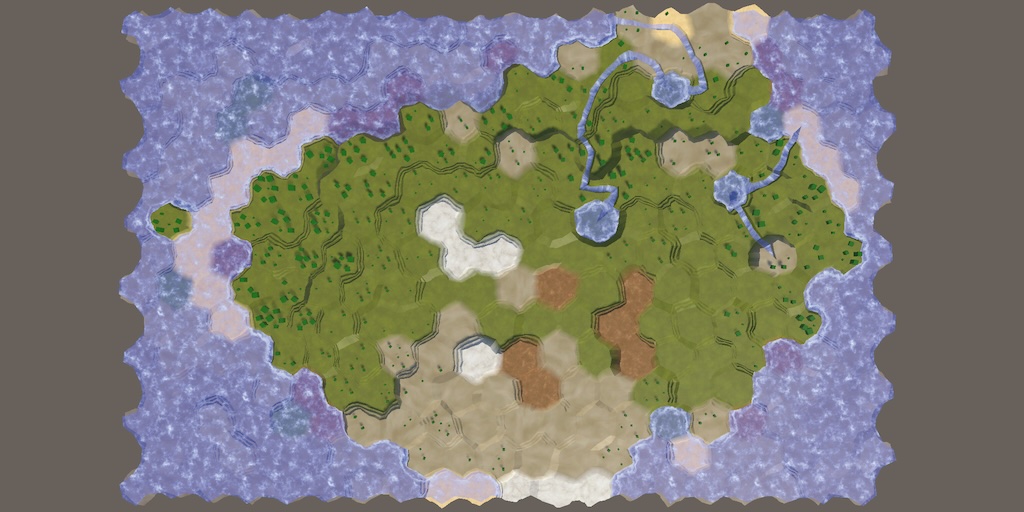
This tutorial is made with Unity 6000.3.23f1 and follows Hex Map 5.4.0.
Initialize Map Job
Last time we created an experimental map generator that split the generation process into multiple mock jobs. This time we convert the first mock job into an actual Burst job.
InitializeMapJob is the simplest step of the map generation process, so we pick it as the first job to convert. To make it compatible with Burst we have to replace the grid reference with a native array containing HexCellData. Also, we can no longer directly use the settings class and will instead replace it with a field for the specific setting that we use, which is the water level.
using Unity.Collections;

public struct InitializeMapJob
{
	//HexGrid grid;
	NativeArray<HexCellData> cellData;

	//MapGeneratorSettings settings;
	int waterLevel;
}
The native array has to be passed to the static Execute method, which uses it to initialize the job. We keep the settings parameter and extract the needed water level from it here. Also, we no longer need a separate parameter for the cell count and can instead check the length of the cell data array.
public static void Execute(//HexGrid grid,NativeArray<HexCellData> cellData, MapGeneratorSettings settings)//,//int cellCount{ var job = new InitializeMapJob() { cellData = cellData, waterLevel = settings.waterLevel }; for (int i = 0; i < cellData.Length; i++) { job.Execute(i); } }
Change the Execute instance method so it retrieves the cell data, sets its water level, and copies it back to the array.
	void Execute(int index)
	{
		HexCellData data = cellData[index];
		data.values = data.values.WithWaterLevel(waterLevel);
		cellData[index] = data;
	}
We now have to provide the native array with cell data in ExperimentalMapGenerator.GenerateMap. To limit code changes to the experimental generator only we'll create a native array with a copy of the grid's cell data here. We pass that to the job, then immediately copy the cell data back to the grid and dispose the native array.
		var cellData = new NativeArray<HexCellData>(
			grid.CellData, Allocator.TempJob);

		InitializeMapJob.Execute(cellData, settings);

		cellData.CopyTo(grid.CellData);
		cellData.Dispose();
We will remove this copy overhead in the future.
Burst Job
The same map still gets generated, even through we now use an intermediate array. To complete the job we turn it into an actual IJobFor and attach the BurstCompile attribute to it.
using Unity.Burst;
using Unity.Collections;
using Unity.Jobs;

[BurstCompile]
public struct InitializeMapJob : IJobFor { … }
To implement the IJobFor interface the Execute instance method must become public.
public void Execute(int index) { … }
And we rename the static Execute method to Schedule, as it will now create and schedule the parallel job, returning its JobHandle. We also include a JobHandle parameter for any job dependency. As this is a very simple job we can run many iterations in a single batch, so let's use the amount of cells divided by eight for the inner loop batch count. That splits the work into eight equal batches, plus an extra smaller batch if the cell count isn't divisible by eight.
	public static JobHandle Schedule(
		NativeArray<HexCellData> cellData,
		MapGeneratorSettings settings,
		JobHandle dependency) => new InitializeMapJob()
		{
			cellData = cellData,
			waterLevel = settings.waterLevel
		}.ScheduleParallel(cellData.Length, cellData.Length / 8, dependency);
Change ExperimentalMapGenerator.GenerateMap so it invokes Schedule instead of Execute. As we don't have a dependency pass it the default handle. We also immediately complete the job because the next mock job depends on it.
InitializeMapJob.Schedule(cellData, settings, default).Complete();
The first part of the map generation process now runs as an actual Burst job. The next tutorial is Hex Map 5.6.
license repository PDF